Ask one simple question while ordering.
Success means you asked. The answer does not need to be interesting. Start Small
iPhone social confidence practice
Start Small
Daily social missions for people who want to practice real moments without turning every conversation into a performance.
- Format
- Daily reps
- Focus
- Real contexts
- Platform
- iPhone
What it does
A quiet loop for social reps.
The product is intentionally small: choose one mission, try it in a real setting, and record enough context to make tomorrow easier to start.
A mission small enough to attempt
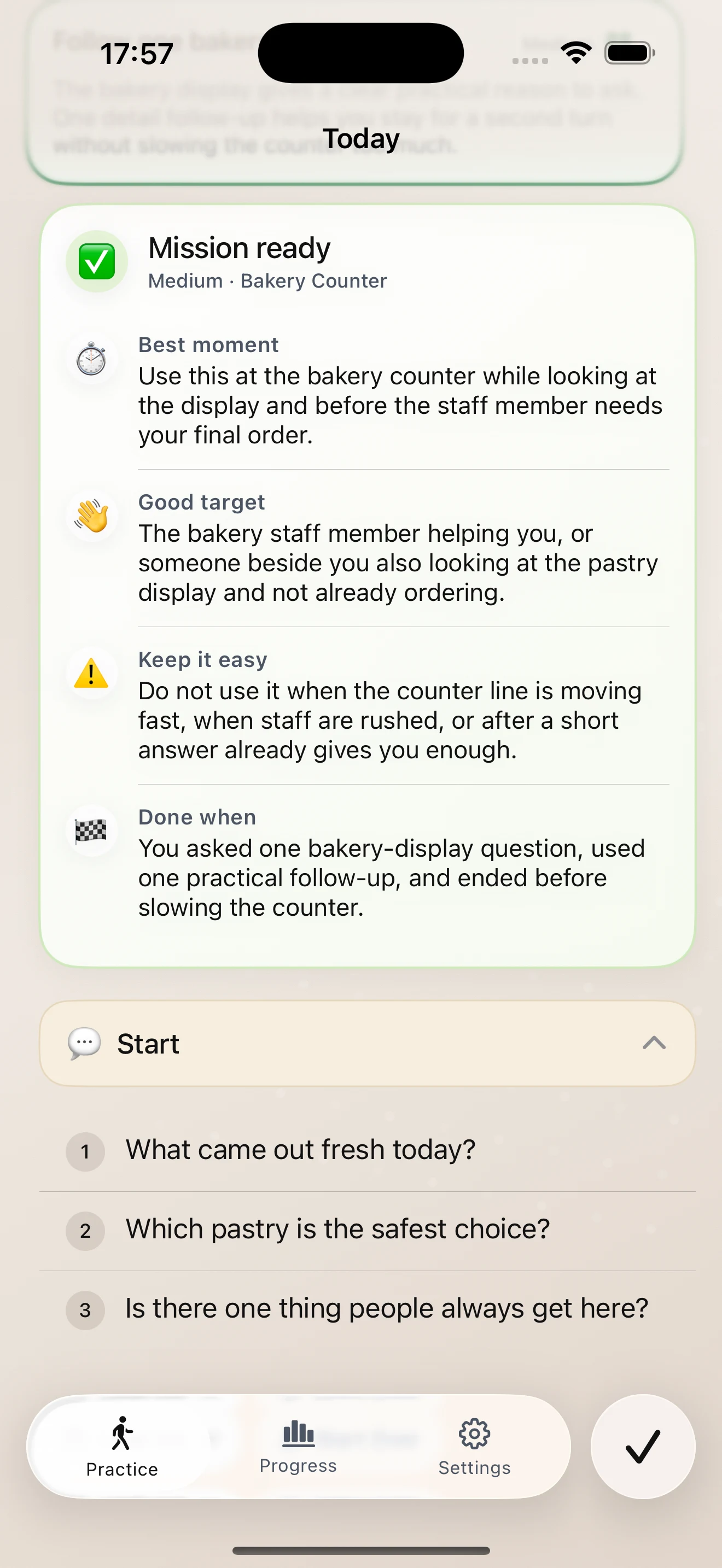
Start Small turns a broad social goal into one practical action for the day, with a clear success bar.
Words ready before the moment
Each mission includes a simple opener, a follow-up thought, and a normal way to end the interaction.
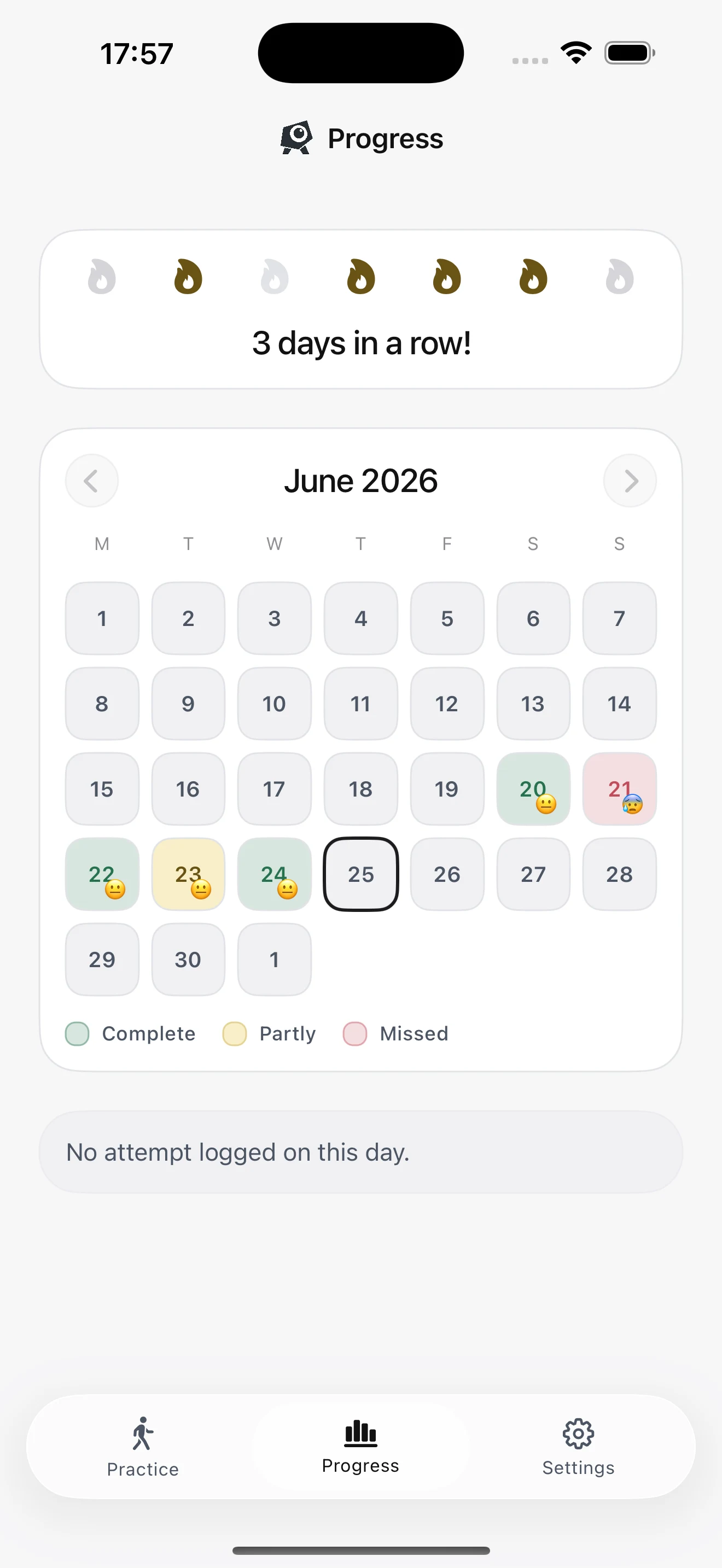
Progress that counts partial reps
Attempts, streaks, and levels are tracked while partial practice still gets treated as useful work.
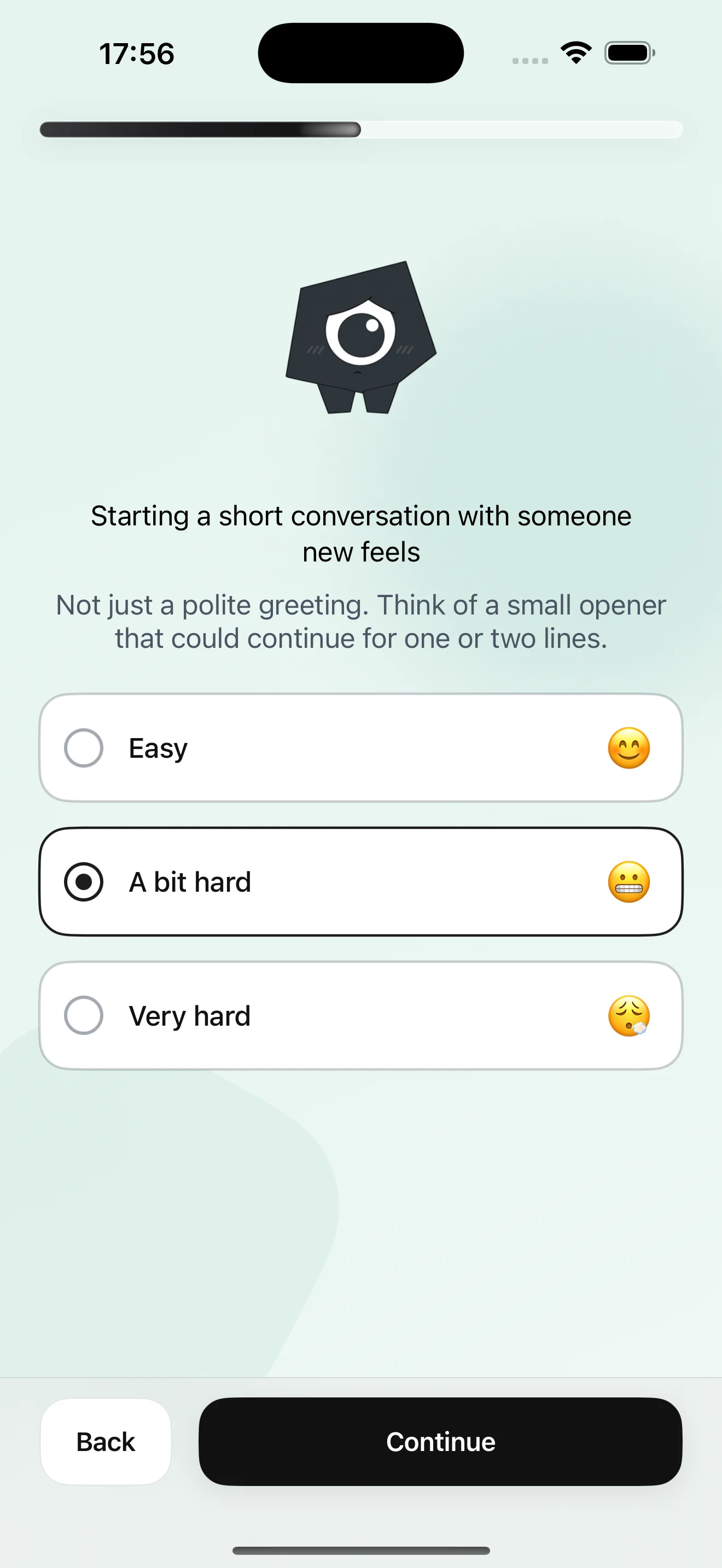
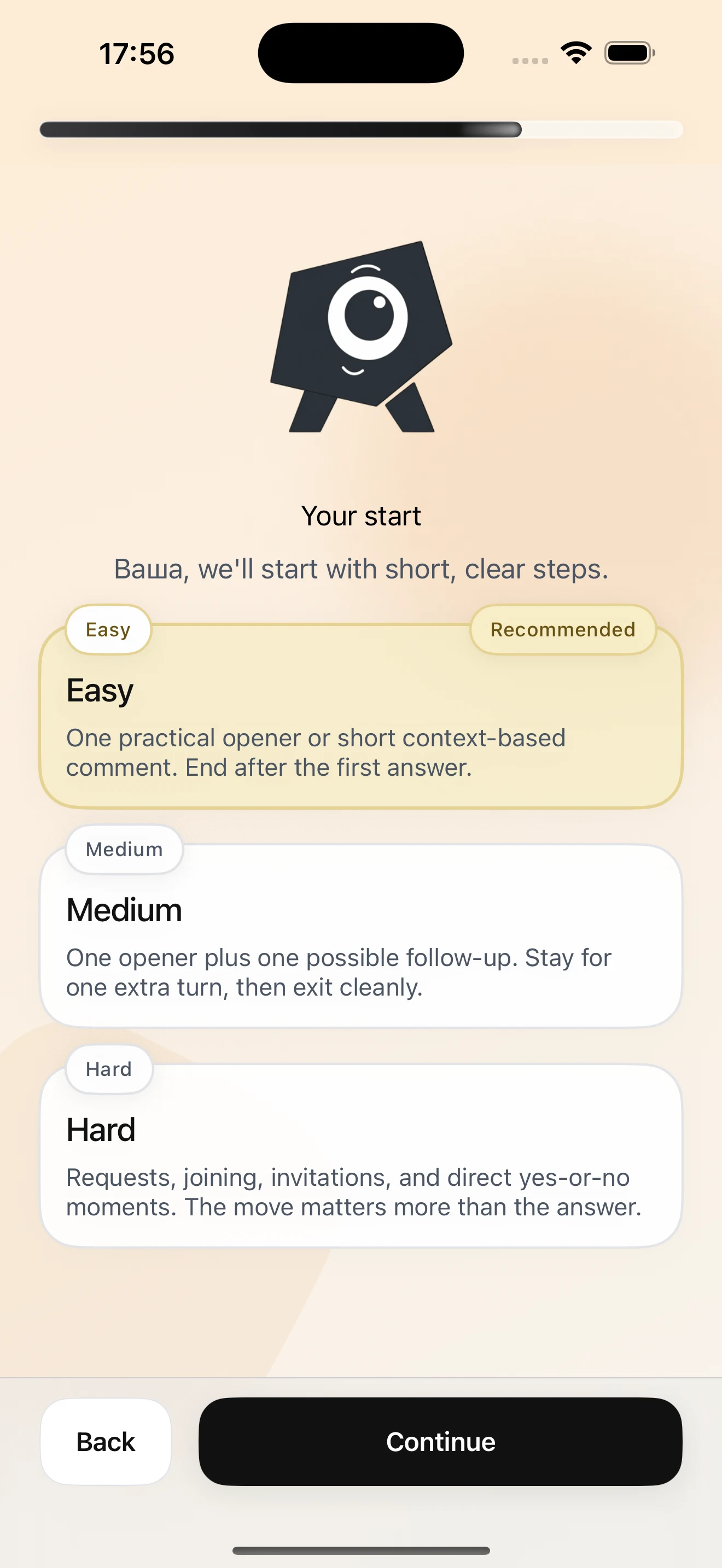
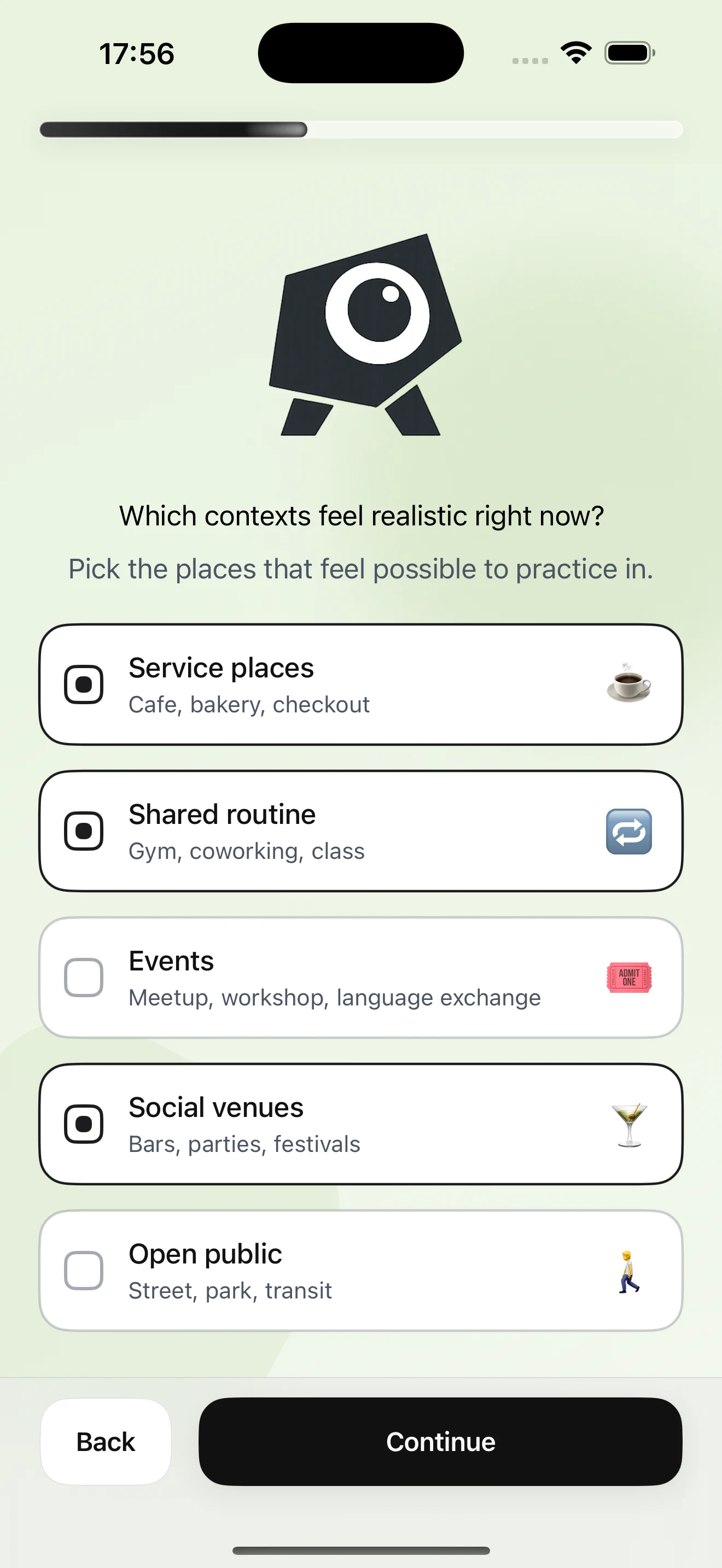
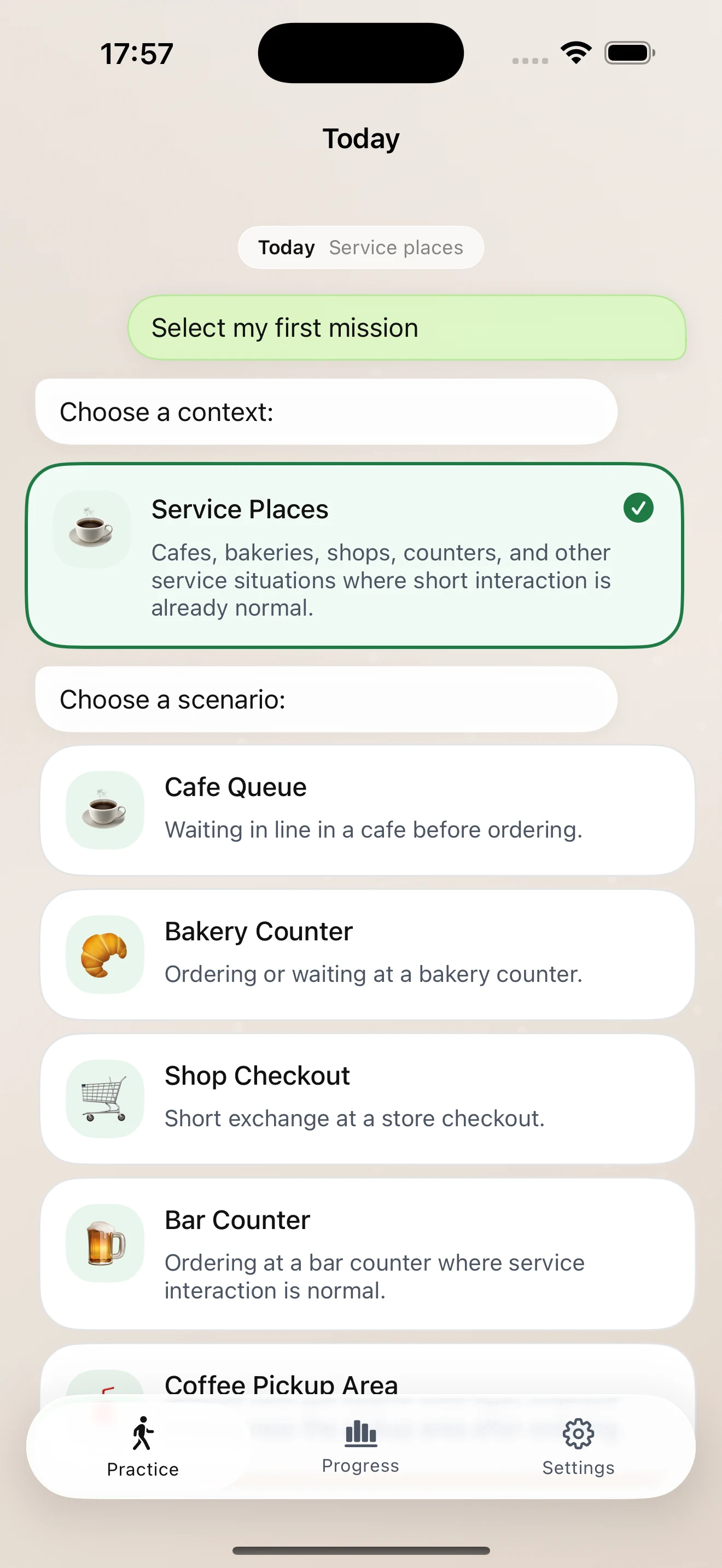
Screenshots
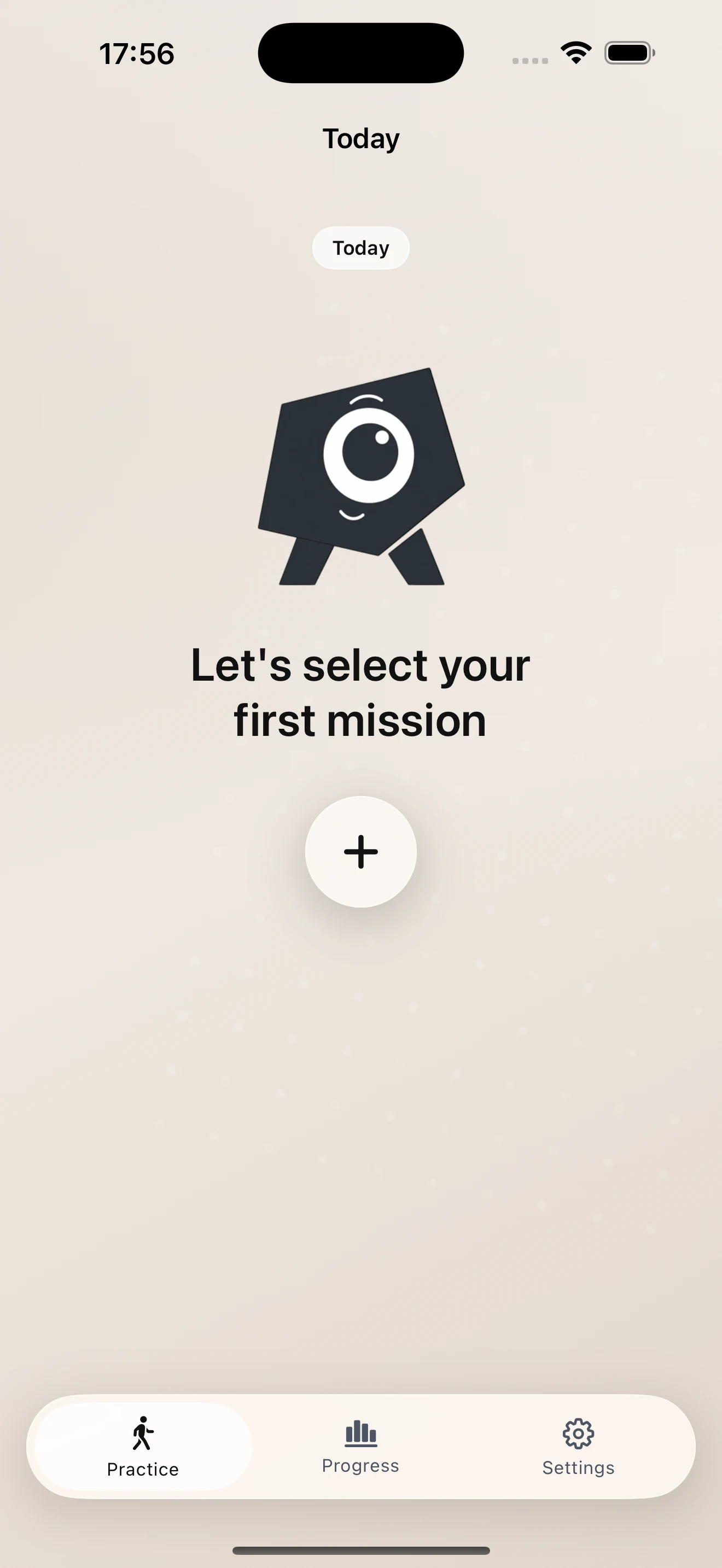
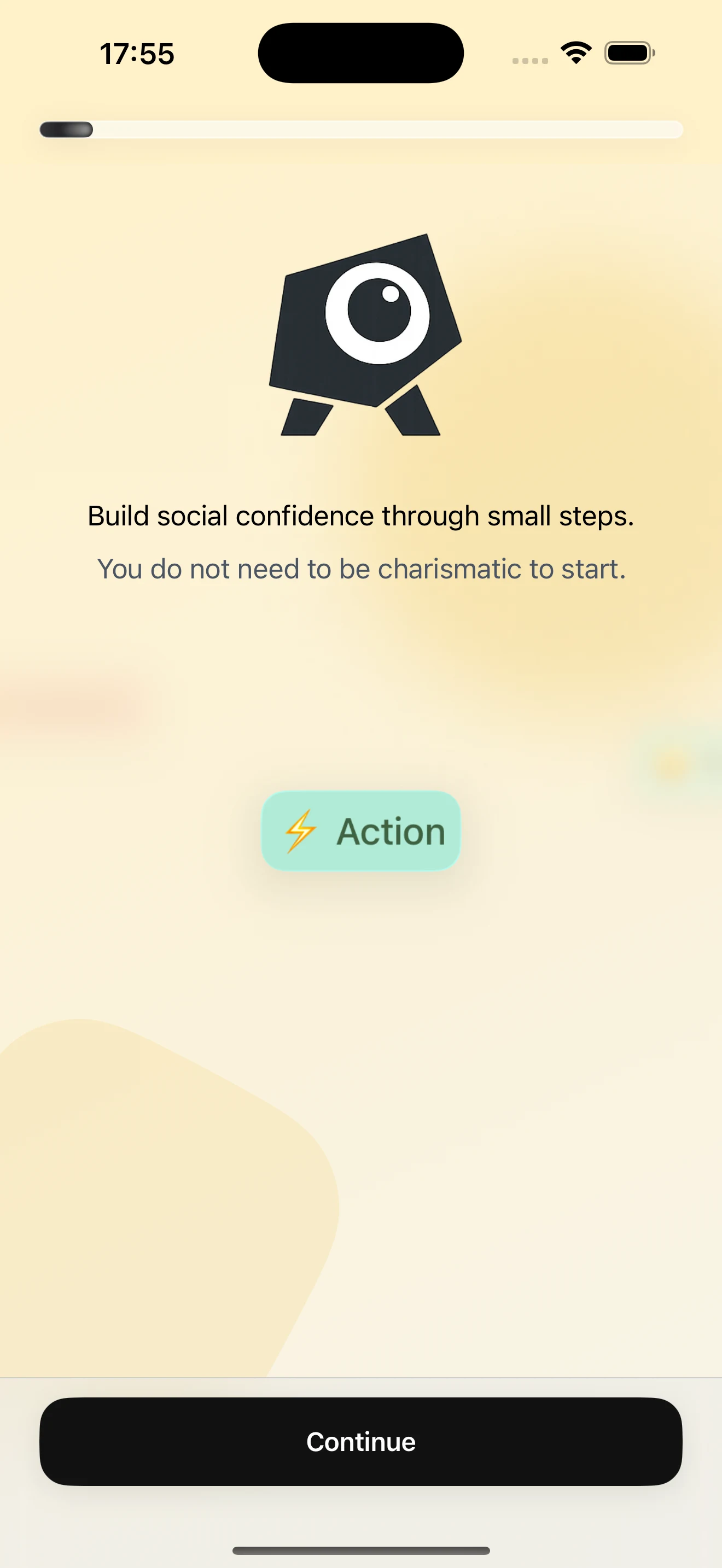
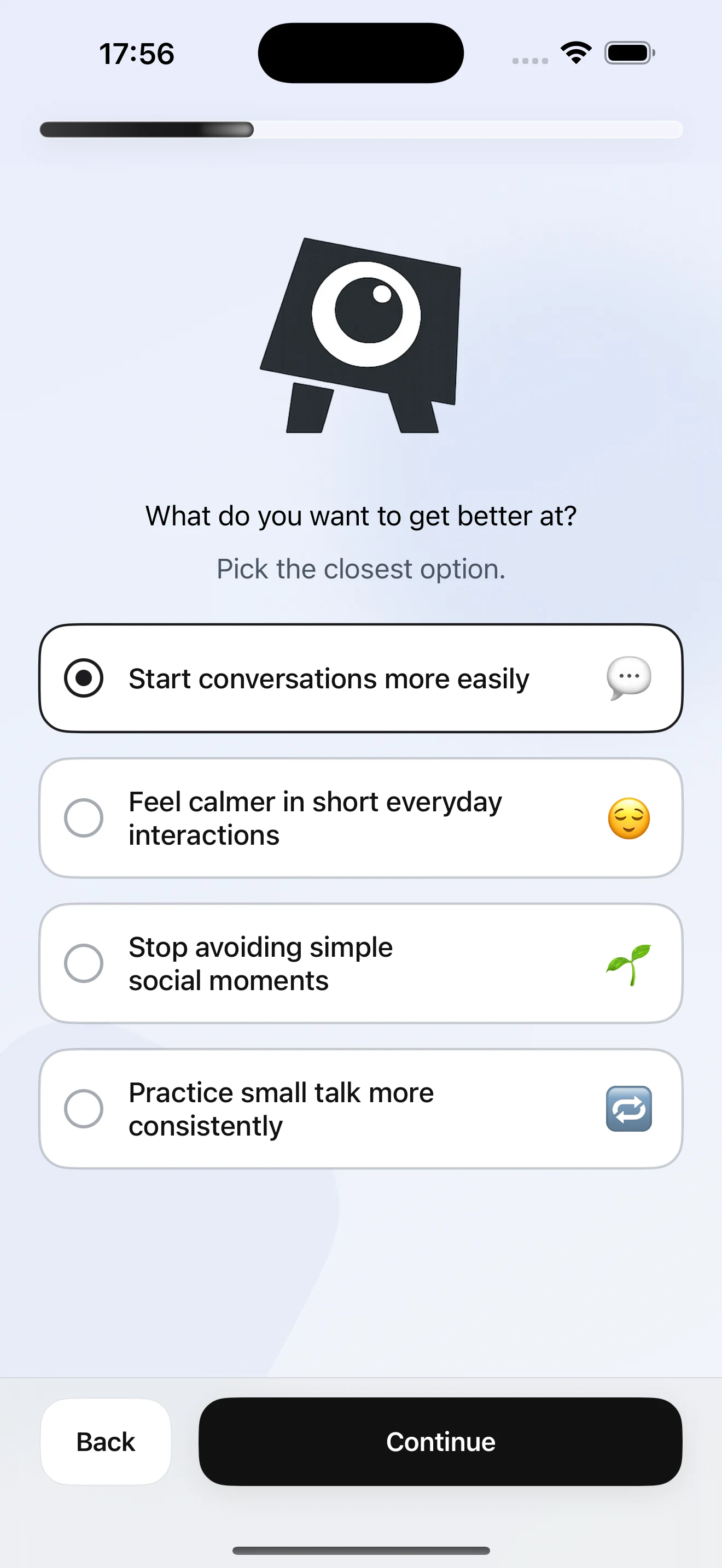
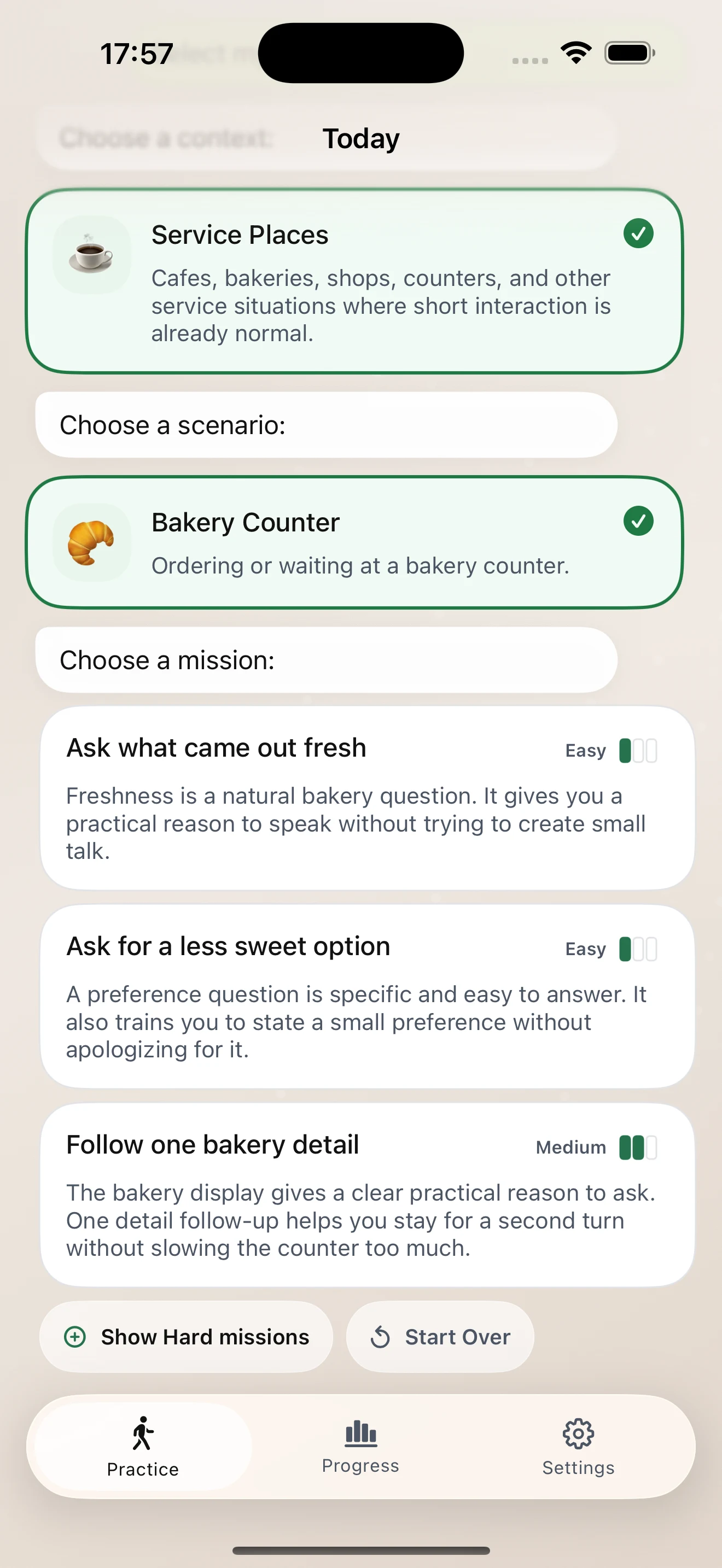
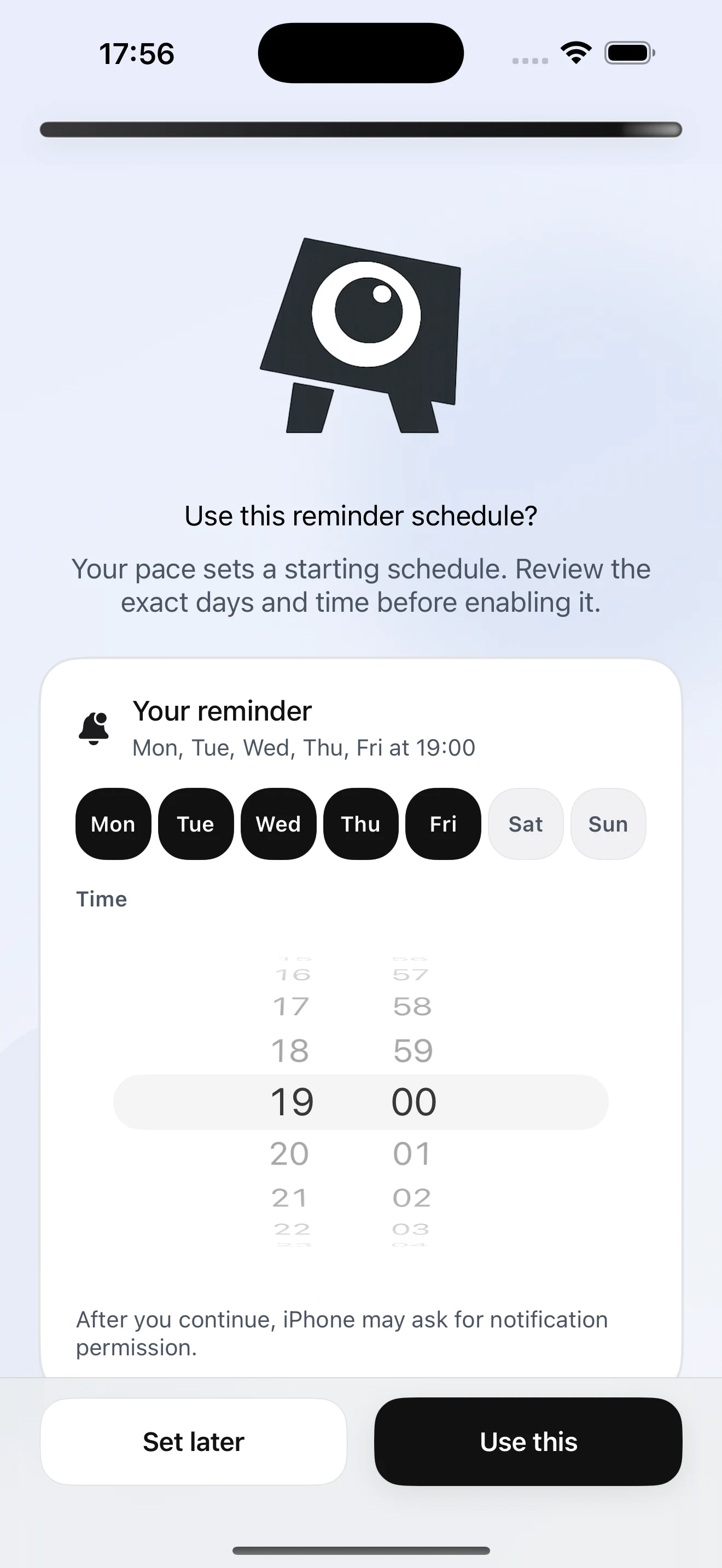
The app keeps the next step visible.
Screens stay direct and readable so a practice session can be started during a normal day, not after a long planning session.
How it works
Short, specific, repeatable.
Start Small avoids feeds, leaderboards, and vague encouragement. The daily loop is meant to fit around a real schedule.
- 01
Choose a realistic context
The app starts with where practice can actually happen: coffee line, errand, elevator, or another normal setting.
- 02
Take one small rep
Today stays focused on a single prompt with enough wording to begin and end the moment.
- 03
Log what happened
A complete, partial, or skipped attempt still gives the next mission better context.
Built for iPhone.
The public landing site is hosted at startsmall.notarobot.dev. The app experience is designed around quick daily practice, local reminders, and optional Apple account sync.
- No contact access
- No social feed
- Local reminders
- Optional Apple sync
Get the app
Start small today.
Download Start Small for iPhone. Android is coming soon.
Available nowDownload on the App Store
AndroidGoogle Play
Support
Tell me what happened.
Use this form for account questions, app issues, billing questions, privacy requests, or anything that blocks you from using Start Small.
Support form:Open support form